


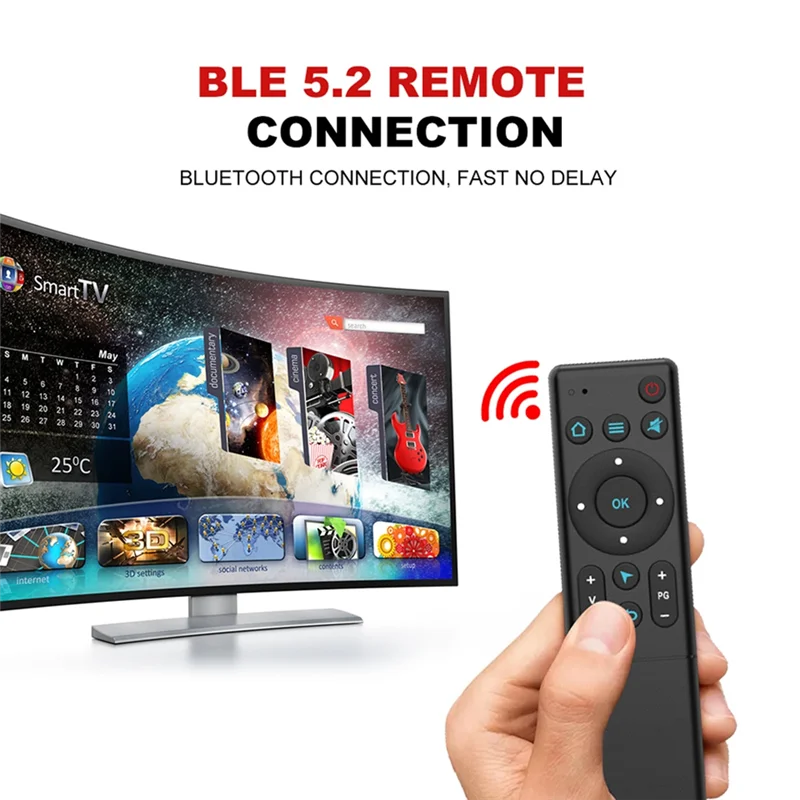




SPECIFICATIONS
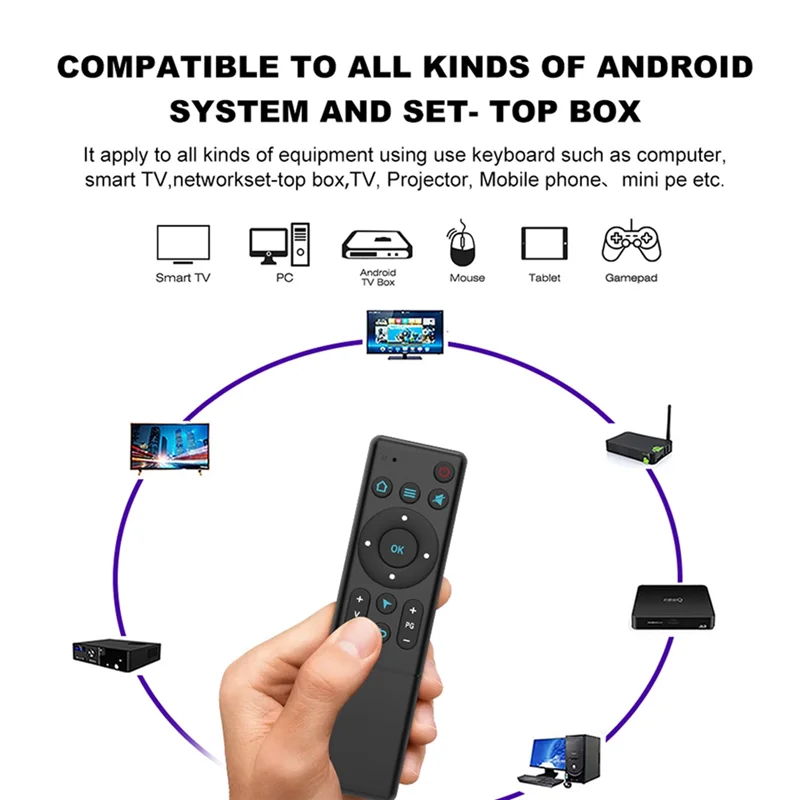
Use: TV
Brand Name: NoEnName_Null
Hign-concerned Chemical: None
Origin: Mainland China
Wireless Communication: RF
Choice: yes
semi_Choice: yes
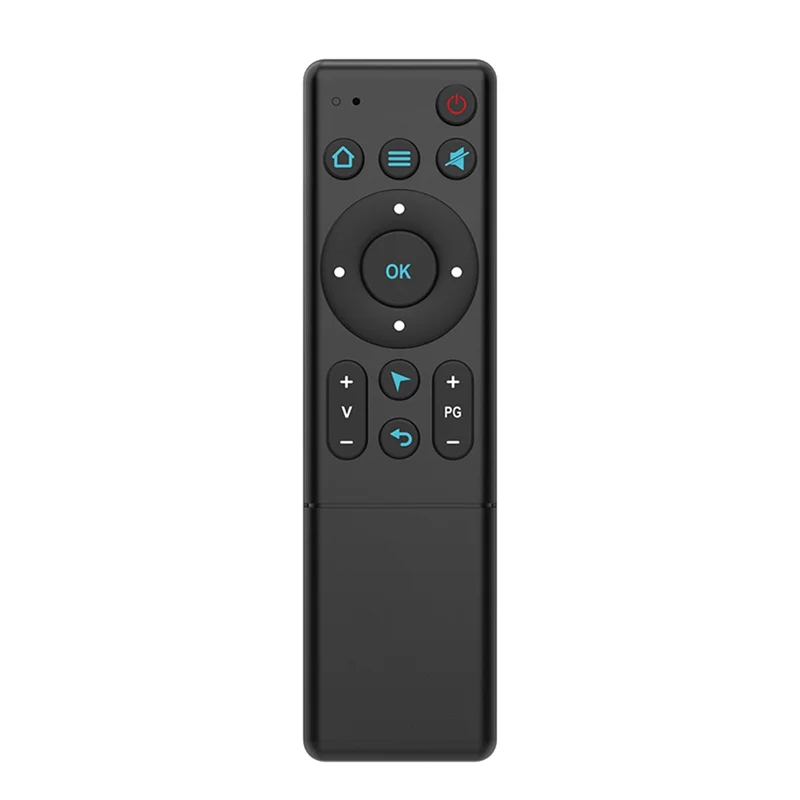
1.Open Bluetooth in the device system settings, search the device name “HID Remote01” and pair it;
2.Press “OK” and “ON/OFF”buttons at the same time, and release after the red light is always on;
3.Align the device remote control with the infrared head of the remote control to be learned, and then press thebutton to learn on the device remote control.The learning is successful when the red indicator flashes ;
4.Press and hold “OK” and ” Volume+”buttons at the same time until the red indicator flashes, thedevice will restore factory setting.
Material: plastic
colour: black
Package Contents:
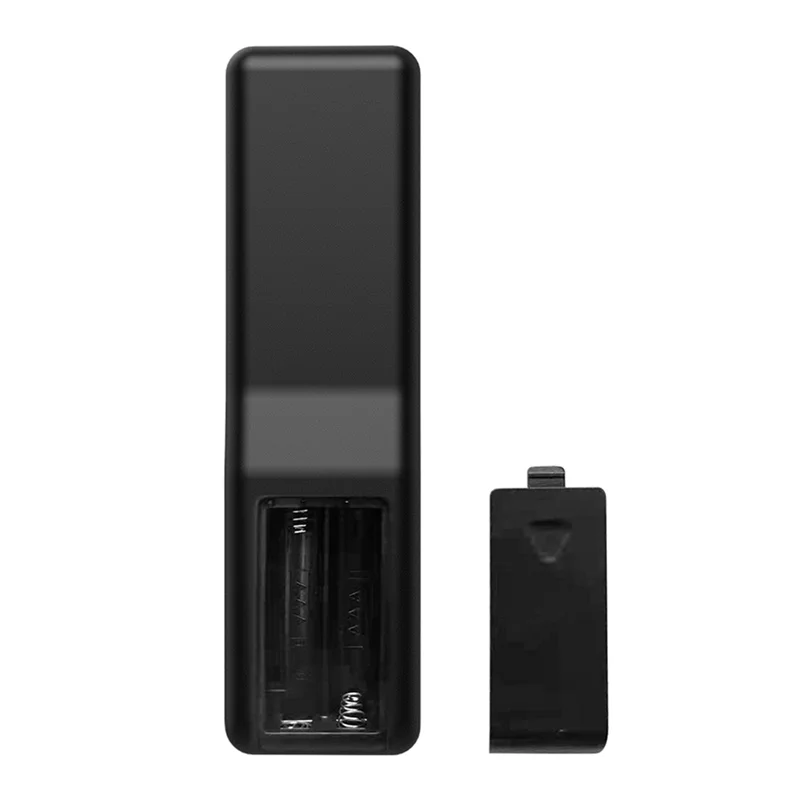
1 x M5 Bluetooth Remote Control (2 x Batteries not included)
Only the above package content, other products are not included.
Note: Light shooting and different displays may cause the color of the item in the picture a little different from the real thing. The measurement allowed error is +/- 1-3cm.


SPECIFICATIONS
Use: TV
Brand Name: NoEnName_Null
Hign-concerned Chemical: None
Origin: Mainland China
Wireless Communication: RF
Choice: yes
semi_Choice: yes
1.Open Bluetooth in the device system settings, search the device name “HID Remote01” and pair it;
2.Press “OK” and “ON/OFF”buttons at the same time, and release after the red light is always on;
3.Align the device remote control with the infrared head of the remote control to be learned, and then press thebutton to learn on the device remote control.The learning is successful when the red indicator flashes ;
4.Press and hold “OK” and ” Volume+”buttons at the same time until the red indicator flashes, thedevice will restore factory setting.
Material: plastic
colour: black
Package Contents:
1 x M5 Bluetooth Remote Control (2 x Batteries not included)
Only the above package content, other products are not included.
Note: Light shooting and different displays may cause the color of the item in the picture a little different from the real thing. The measurement allowed error is +/- 1-3cm.
Related products
8000 in stock

8000 in stock
11038 in stock

23974 in stock
5994 in stock
130 in stock

130 in stock


1994 in stock
Reviews
Clear filtersThere are no reviews yet.